MCP Servers
MCP ( Model Context Protocol ) is a standard protocol that acts like a “universal interface” for AI large models, enabling them to seamlessly interact with different data sources and tools . Smart Vision supports users in selecting MCP serves from the official MCP. After deployment, these servers can be directly used in agent or writing applications. It also supports users in creating custom MCP serves, which can likewise be deployed with one click for use in agent or writing applications. In agent or writing applications, users can add deployed MCP servers with one click and flexibly invoke the appropriate MCP servers as needed.
Official MCP Server
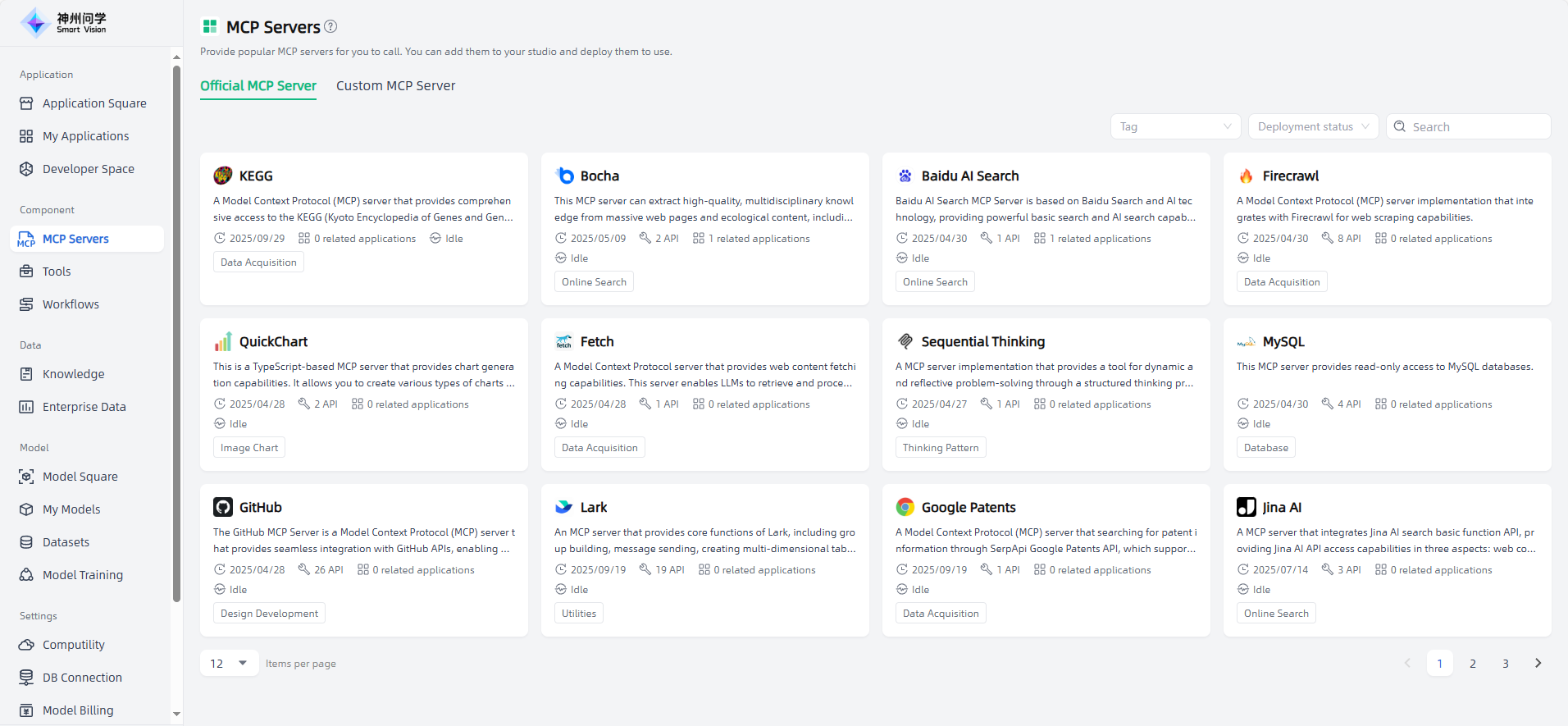
Component—MCP Servers—Official MCP Server, provides popular MCP Servers in the industry for you to call.
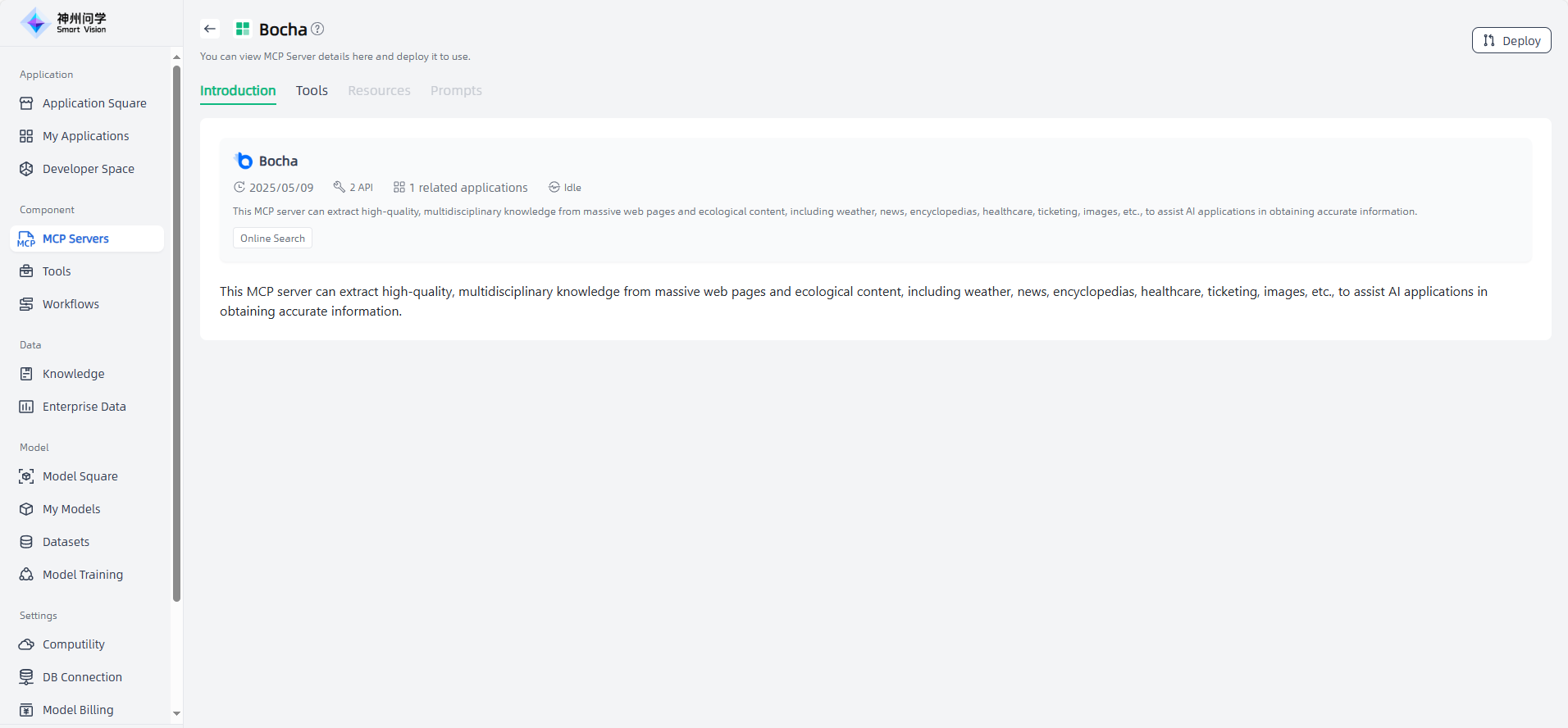
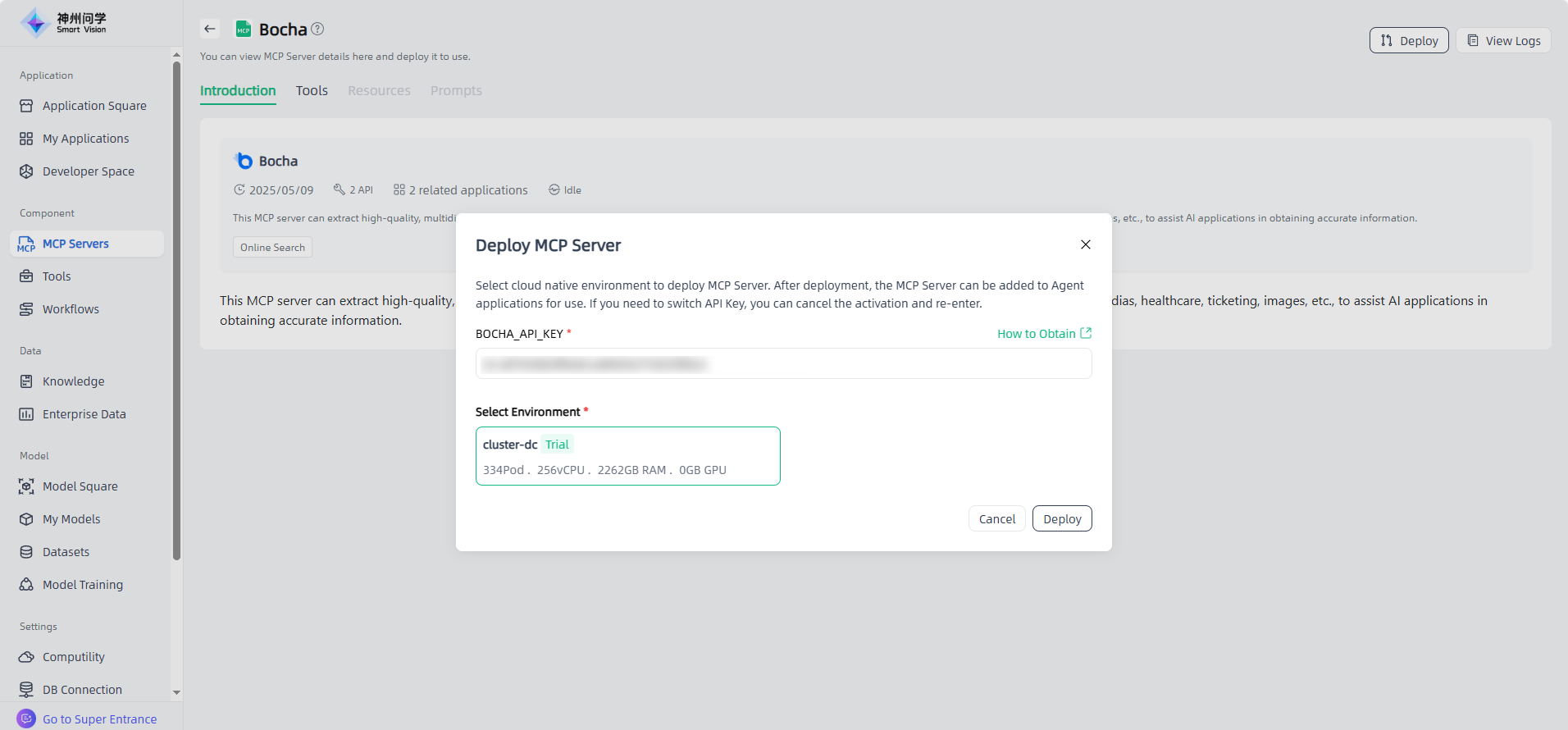
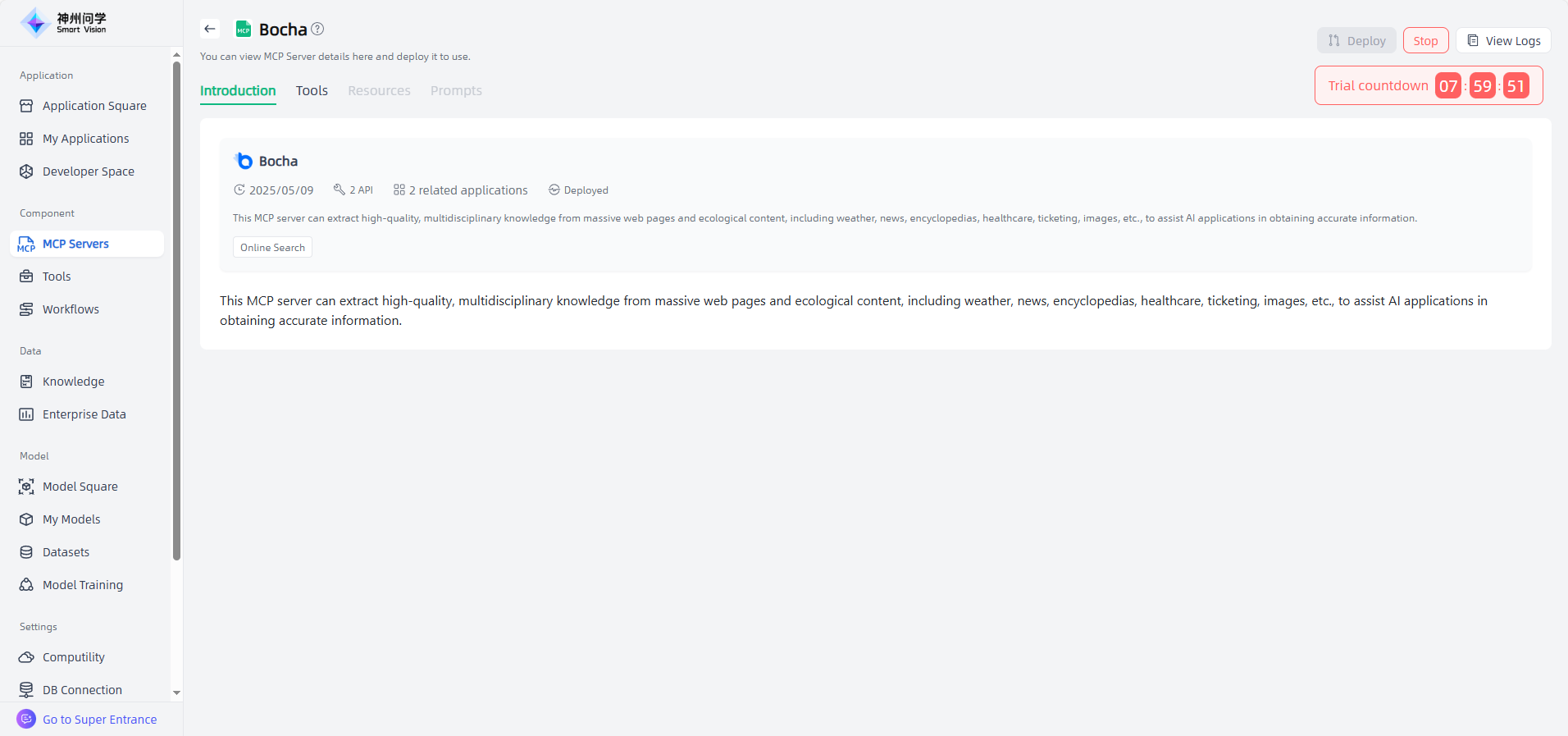
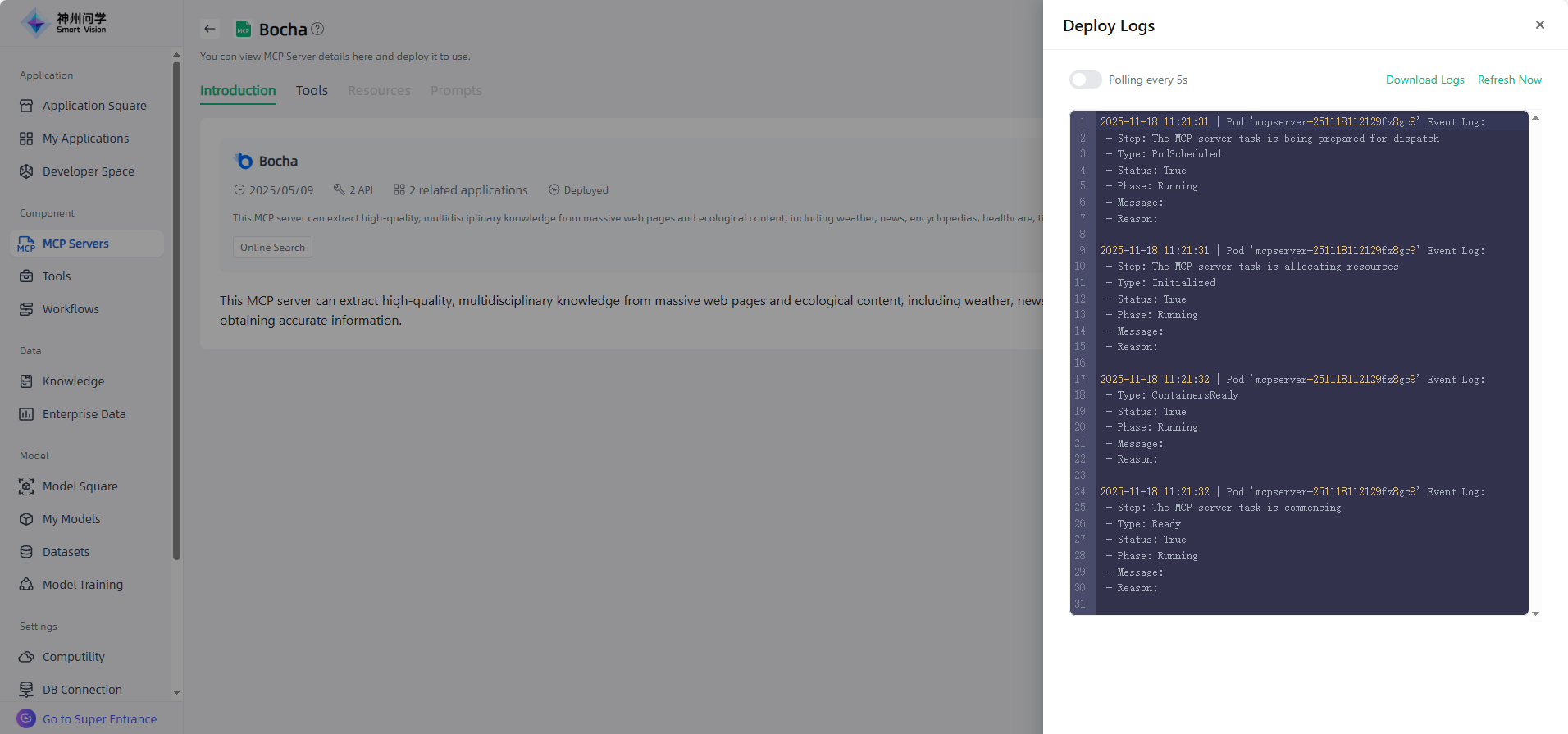
Click an MCP server under Official Servers to enter the MCP Server Details page, where you can view its introduction and tools, and perform deployment. Official servers are divided into authorized and non-authorized types. Non-authorized MCP servers can be deployed directly, while authorized ones require setting an authorization key before deployment. You can also click "View Logs" in the upper right corner to check the deployment logs of the MCP service.
Custom MCP Server
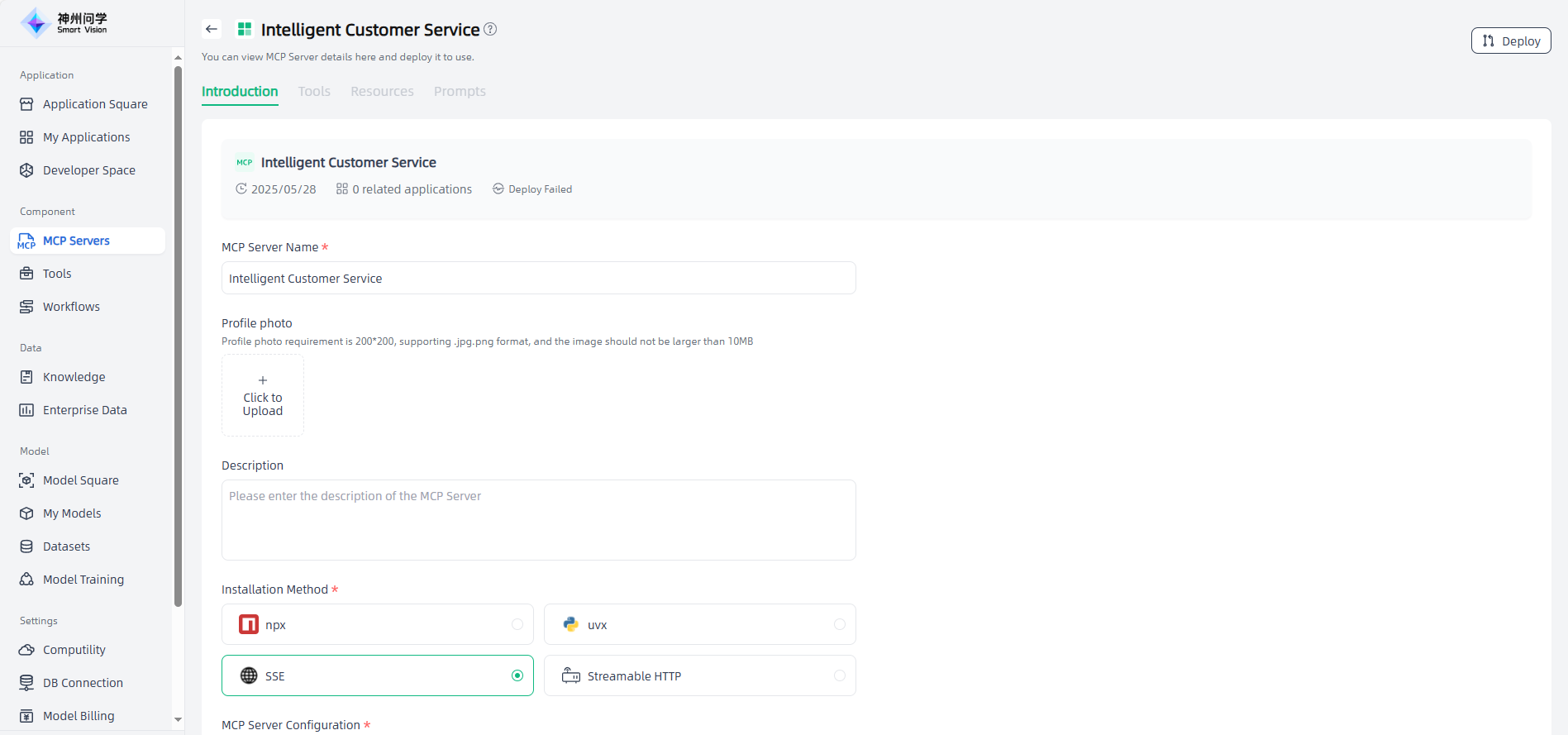
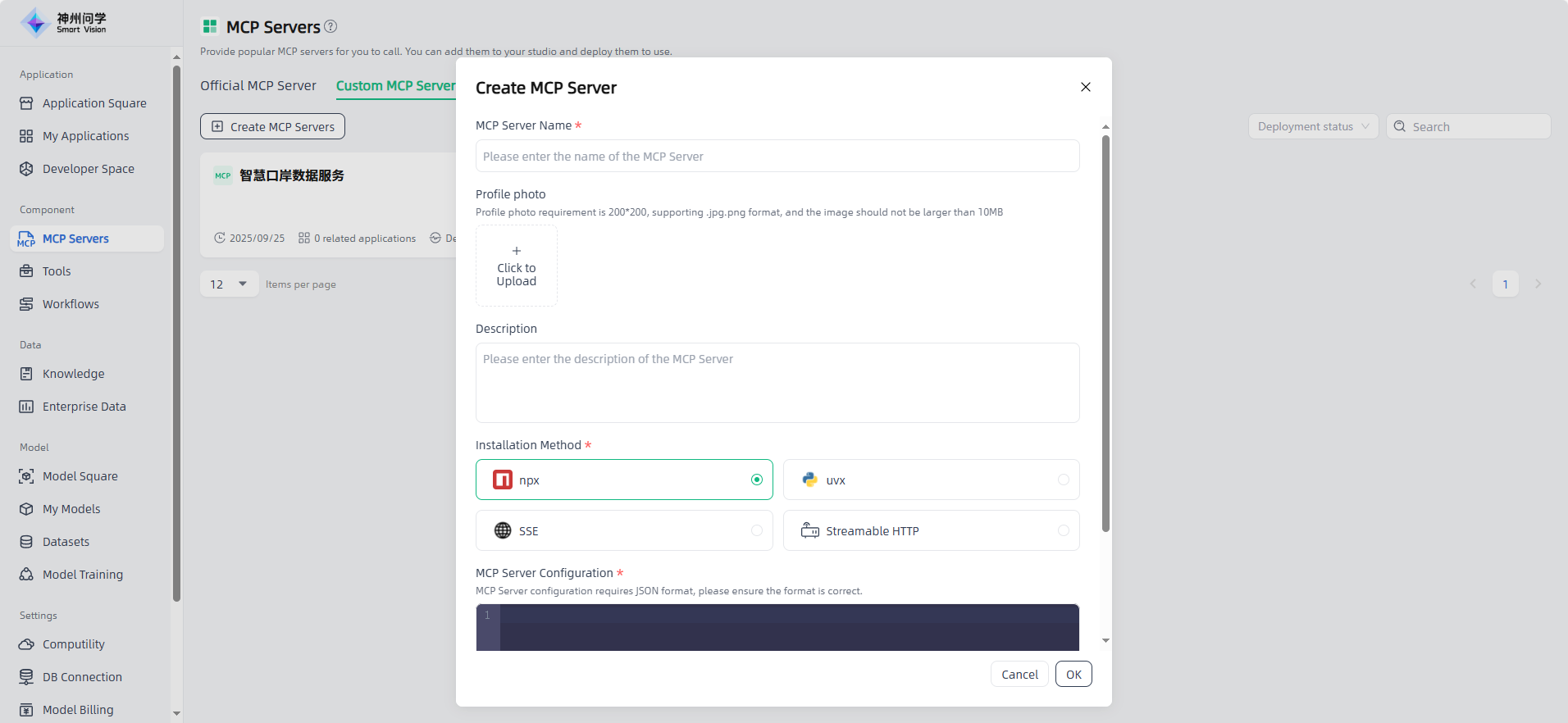
A personalized MCP server that provides private data support for various applications, helping developers build AI applications more efficiently. You can create an MCP servers as needed. Click the “Create MCP server” button in the upper left corner, fill in the name, description, installation method, and MCP servers configuration, then MCP servers will be created.
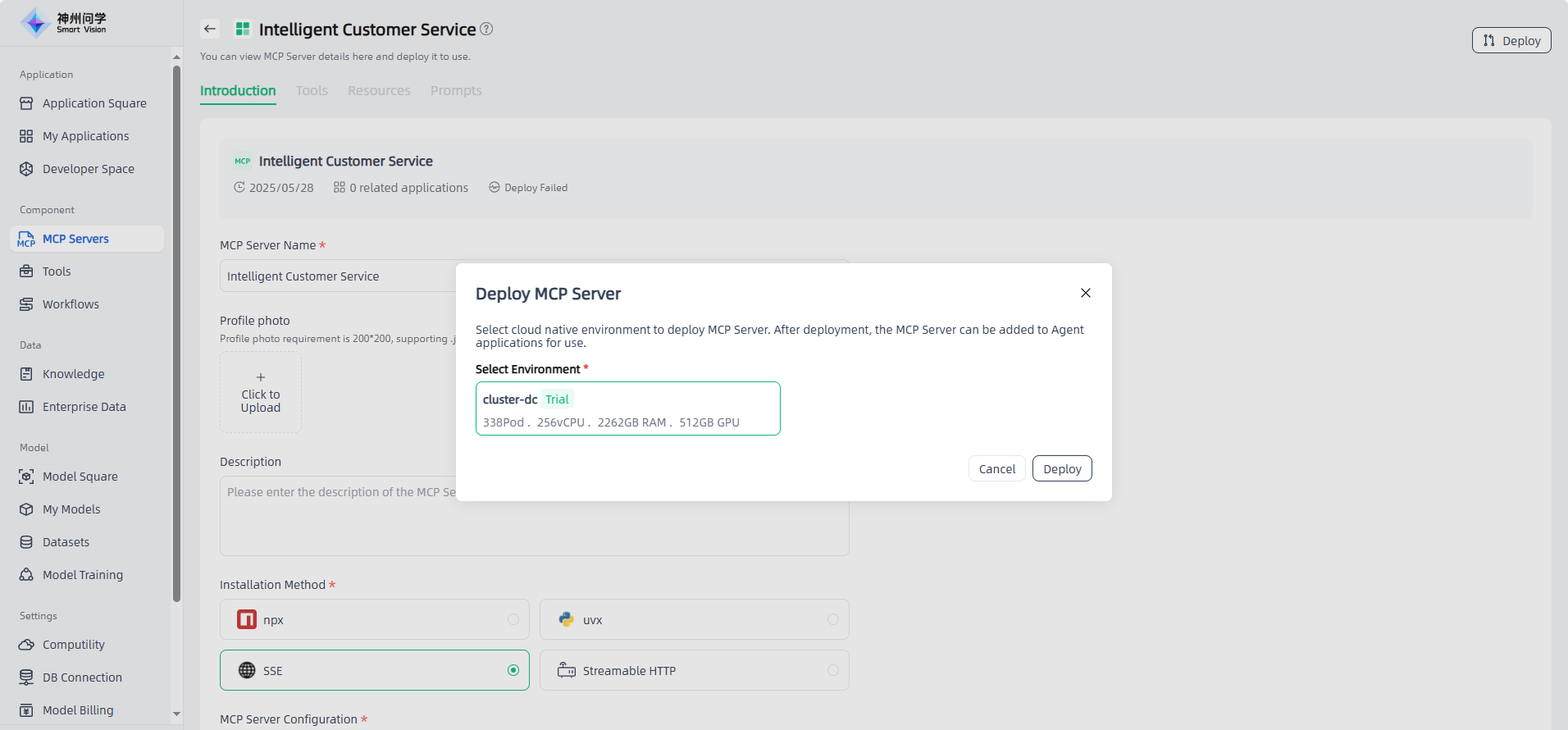
Click the custom-created MCP servers to enter the MCP servers Details page, where you can view or edit the servers, or deploy it. (For MCP serverss that require authorization, you need to set the authorization key before deployment.) After successful deployment, you can run and debug the servers under the Tools tab.